TECH February 10, 2024 How to know when it is time to replace your Mac There are a number of signs to tell you when it's time to retire your Mac and upgrade, according to tech guru Kurt "CyberGuy" Knutsson.
TECH January 22, 2024 Is someone (or something) snooping on your computer? A company, a hacker, or even your boss could be planting harmful malware on your computer that leaves your privacy in jeopardy. Learn tools on how to combat cybercriminals.
TECH January 3, 2024 Five smart, simple tech changes to make 2024 better Learn how to clean up your technology and deepen your understanding of cybersecurity heading into 2024.
TECH November 17, 2023 5 things to do first if you got a new Mac Kurt "CyberGuy" Knutsson walks through a variety of first steps to properly set up a new Mac laptop. Treat your Mac as your personal digital signature.
TECH November 1, 2023 Apple’s twice as fast new MacBook Pro laptop and 24-inch iMac all-in-one desktop are here Apple has launched its new iMac and MacBook Pro laptop that runs "scary fast," thanks to the company's next generation silicon chip, the M3.
TECH October 9, 2023 Make this change if your browser is slowing down to a crawl Constantly using your search engine on your computer can put strain on your home equipment, learn how to speed up your workflow from a tech expert.
Mac October 6, 2023 How to smartly organize your photos on a Mac You can organize the photos on your Macbook by using the "Smart Album" feature, which helps label the photos of each individual within your Apple icloud.
Mac September 18, 2023 How to protect your Mac from new MetaStealer malware Kurt "CyberGuy" Knutsson shows you how to protect your Mac computer from a new malware strain called MetaStealer that is targeting your data.
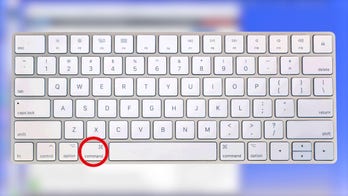
VIDEO September 10, 2023 Kurt "CyberGuy" Knutsson shows you how to take screenshots on Mac CyberGuy walks you through typing a keyboard shortcut to take screenshots on your Apple computer.
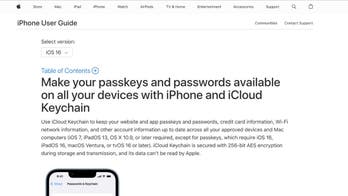
Apple September 8, 2023 Ask Kurt: Should you give up passwords for good? Both Apple and Google want you to. Both Google and Apple have created Passkeys as an alternative for users to manage their access to their apps and get rid of any former password systems.