VIDEO August 7, 2023 Best ways to send large files on PC and Android Kurt "The CyberGuy" Knutsson shows how to send large files on your PC and Android.
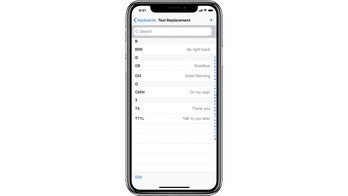
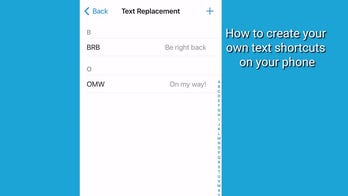
TECH August 6, 2023 How to create your own text shortcuts on your phone Text is now even easier with this shortcut feature on iOS devices, Samsung and Android phones. Kurt "CyberGuy" Knutsson shows you how to customize them.
VIDEO August 6, 2023 Kurt "CyberGuy" Knutsson shows you how to create text shortcuts You can create text shorts on iPhones and Android phones.
Android August 5, 2023 Google is abandoning your old Android phone: Here's what you need to do Due to Google's discontinuation of the Android KitKat, it will no longer receive updates from Google play, and it leaves devices open to security issues.
VIDEO August 5, 2023 Best ways to send large files on Android or PC/Windows Kurt "The Cyberguy" Knutsson shows the most efficient way to send large files on Android PC/Windows.
TECH August 4, 2023 Beware of CherryBlos, the Android malware that steals passwords Kurt "The CyberGuy" Knutsson warns about two types of malware that can hack into your Android device and steal your data if you download a corrupted app.
Android August 1, 2023 How to factory reset your Android device A factor reset for your Android smartphone is a strategic way to ensure your phone is cleared of any private information when selling or giving the phone away.
VIDEO August 1, 2023 How to factory reset your Android device Know when and how to follow this one expert tip with your phone.
Smartphones July 31, 2023 How to snap the perfect photo with your camera's Burst Mode Burst mode is a feature that can help you capture the perfect shot on your iPhone or Android. Kurt "CyberGuy" explains how to use the rapid shooting mode.
VIDEO July 31, 2023 Kurt "CyberGuy" Knutsson explains Burst Mode CyberGuy shows how to take a sequence of action photos using Burst Mode and select the best one.
Smartphones July 28, 2023 How to add safe browsers to your mobile device By adding safe browsers to your mobile device, you can protect and prevent cyber security threats and explore other options outside of Safari and Chrome.